
MeituHub - Build Your AI Imaging Pipelines

Build Your AI Imaging Pipelines
Image
20 workflows
Image Transform
Rotate, flip, scale, smart crop, and canvas expansion

Image Denoising
Remove noise and grain from photos while preserving details

Low-Light Enhance
Brighten dark or nighttime photos and restore shadow details

Object Removal
Remove watermarks, text, and unwanted objects from images

Text Replacement
Replace text content in images

ID Photo
Upload a portrait to automatically generate standard ID photos with outfit and background changes

Poster Generation
Generate styled posters in multiple sizes from text or reference images

Image Upscaling
Enhance image resolution with automatic algorithm selection based on image type

Background Removal
Separate the subject from the background, output with transparent or white background

Grid Split
Automatically detect grid lines and split collage images into individual pictures

Image Editing
Edit existing images or create new ones based on reference images

Text to Image
Generate images from text descriptions

Background Replacement
Replace image backgrounds while preserving the foreground subject

Face Swap
Upload two photos and swap faces between them with automatic skin tone and lighting blending

Portrait Generation
Upload portrait or pet photos to generate professional headshots and artistic portraits

Outfit Change
Keep the person's appearance while changing their clothing via text or reference images

Image Style Transfer
Transform images into anime, oil painting, watercolor, and other art styles

Image Search
Search for images using keywords or reference images

Reflection Removal
Detects and removes unwanted glare from glass, screens, or material surfaces while preserving the subject, natural highlights, intended reflections, and texture. Each input image returns one result.

Visual Appeal Score & Auto Enhancement
Naturally brighten the eye area in a portrait while preserving facial features, skin tone, and all other image content, then deliver the fully retouched image.
Video
14 workflows
GIF Conversion
Convert videos to GIF animations, supporting normal and transparent background formats

Image to Video
Generate dynamic videos from images, supporting single image and first-last frame transition

Text to Video
Generate videos from text descriptions

Content Replacement
Replace people, scenes, or outfits in videos while preserving original camera movement

Video Element Removal
Remove pedestrians, subtitles, watermarks, or clear all text from videos

Video Expansion
Expand video frames outward with automatic content generation for the extended areas

Video Denoising
Remove grain and artifacts from videos while preserving details

Low-Light Video Enhance
Brighten nighttime or low-light videos and restore shadow details

Frame Interpolation
Increase video frame rate for smoother motion

Video Stitching
Combine multiple video clips in sequence, with optional background music

Video Upscaling
Upscale video resolution to 1080P, 2K, or 4K

Motion Transfer
Transfer motion from a reference video onto a person in a photo while preserving their appearance

Creative Effects
Apply preset style effects to videos, including anime, pixel art, and claymation styles

Video Logo Add
Overlay logo or watermark images on video corners
Marketing
7 workflows
One-Click Scene Marketing Images
Builds a consistent visual baseline from product and subject images, then creates three marketing visuals: a product hero display, a subject interaction scene, and a themed campaign scene.

Image & Viral Style Recreation
Analyzes the composition, color system, and information hierarchy of a reference image, then rebuilds the visual with new-theme assets. It returns one main visual by default or two to three style variants for viral-style recreation.

Brand Short Video Structure Recreation
Analyzes the structure of a reference short video and recreates it as a 9:16 sample using new-brand assets, with accurate subtitle copy and a CTA. Only the content structure is reused; source footage, brands, people, and copy are excluded.

End-to-end content operations
Design a content strategy based on operational goals, producing audience personas, content funnel weightings, topic matrices, format mixes, and editorial calendars. Regenerate the strategy based on user input for each cycle, supporting both initial setup and iterative modes. Use this when addressing content strategy design, audience personas, topic matrices, or editorial calendars.

Complete event communication warm-up plan
Designed for the end-to-end production of event pre-promotion and dissemination campaigns, this process integrates asset DNA definition, master key visual (KV) creation, and the multi-channel adaptation (static, dynamic, and live-action) and quality control of deliverables. It is ideal for managing the full-cycle generation and quality assurance of a complete set of event materials—including posters, cover images, ad creatives, videos, and event photography.

Ad Creative Batch Testing
Develop three creative directions from the advertising brief, create two variants for each direction, and adapt each variant to three formats. The default delivery is 18 test-ready ad images.

Brand Event Photo Rapid Retouching & Delivery
Review all authorized brand event photos, correct technical issues, and unify their color treatment. By default, deliver one high-resolution retouched master in the original aspect ratio for each selected photo. Add platform-specific sizes, aspect ratios, or cover options only when requested, and do not generate a processing report by default.
E-commerce
2 workflows
Product Video Generation
Generates short, dynamic product videos tailored for e-commerce distribution, brand showcases, and social media marketing based on user-uploaded product photos or key visuals.

Product Image Generation
Generates product images tailored for e-commerce displays, brand promotions, and social media marketing based on user-uploaded product photos. It supports common image types such as clean white-background cutouts, lifestyle/scenery images, and key visuals (KV).
Education
3 workflows
Courseware Generation
Automatically generates slide structures, copywriting, and accompanying visual assets based on the user's inputted topic, educational stage, and specific teaching requirements. It is ideal for scenarios such as knowledge lectures, step-by-step demonstrations, and classroom summaries.

Picture Books / Educational Visuals
Designed for the visual production of picture books, educational supplements, and children's literature, this tool integrates story scripts, character design, interior page visuals, and platform export; it supports text-based requirements and offers options to upload reference images for characters/IPs and visual styles.

Instructional Video
Designed for the production of videos covering knowledge explanations, course segments, and instructional commentary, this workflow integrates educational video scripts, infographics, step-by-step diagrams, knowledge graphs, and source imagery with video generation and final delivery; it accepts text-based requests, allowing source URLs to be included directly in the specifications.
Other
4 workflows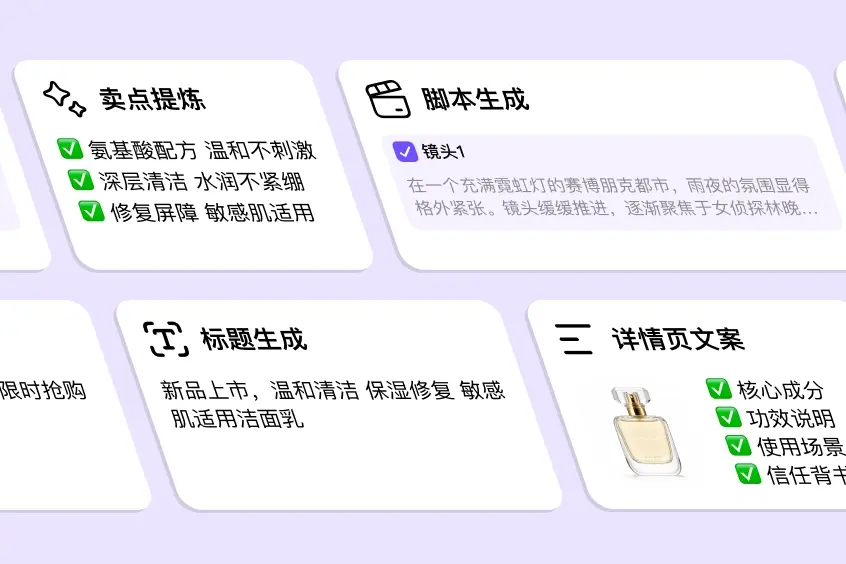
Copywriting
Generate copy, scripts, storyboards, ad copy, and other text content
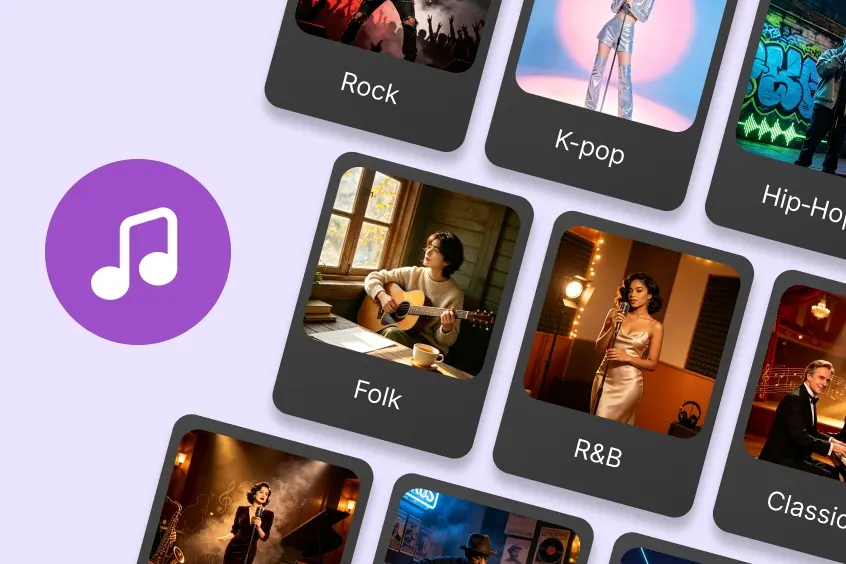
Song Generation
Generate complete songs with vocals from lyrics and style descriptions
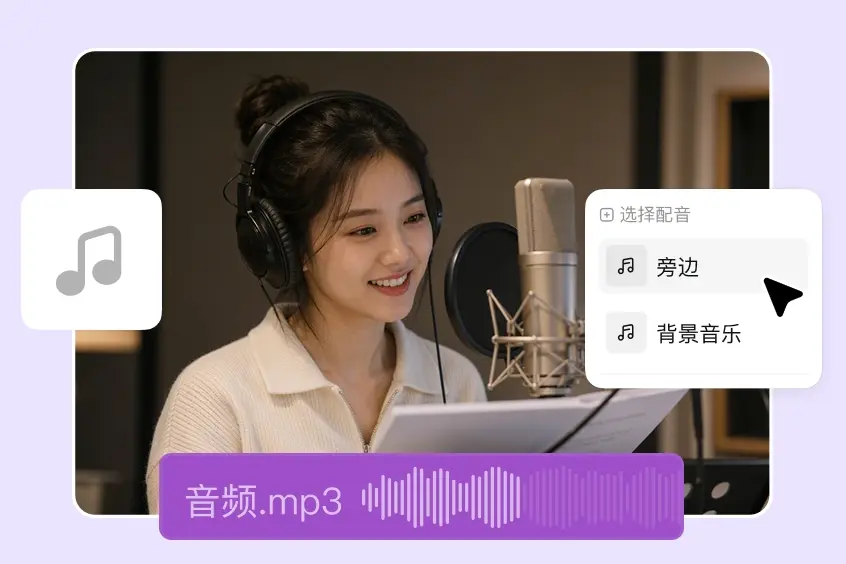
Video Dubbing
Add background music or voiceover to videos, or both
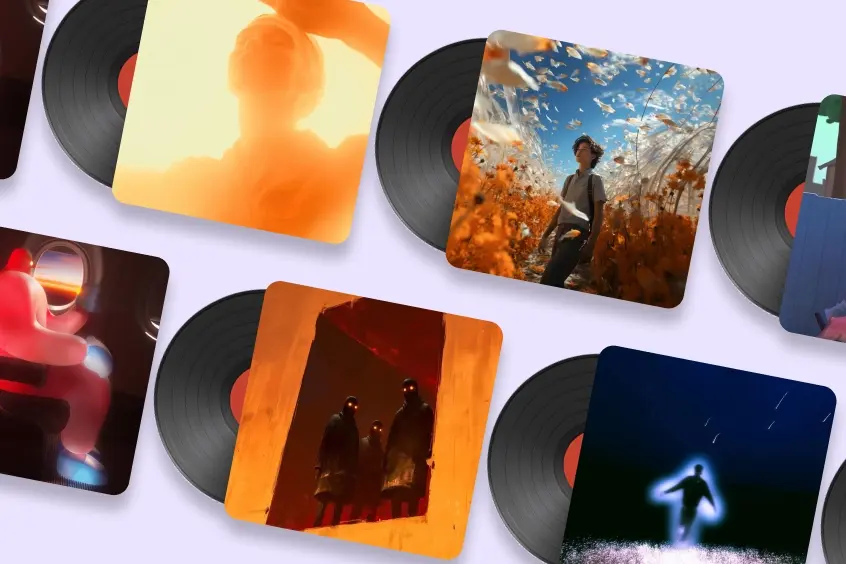
Music Generation
Generate instrumental music and background scores, 30 to 120 seconds
Lobster Native Integration
Follow these steps to seamlessly integrate Meitu Cli into your Lobster workflow
Custom workflows
No template fits? We design AI workflows for your business so they map tightly to how you work.
